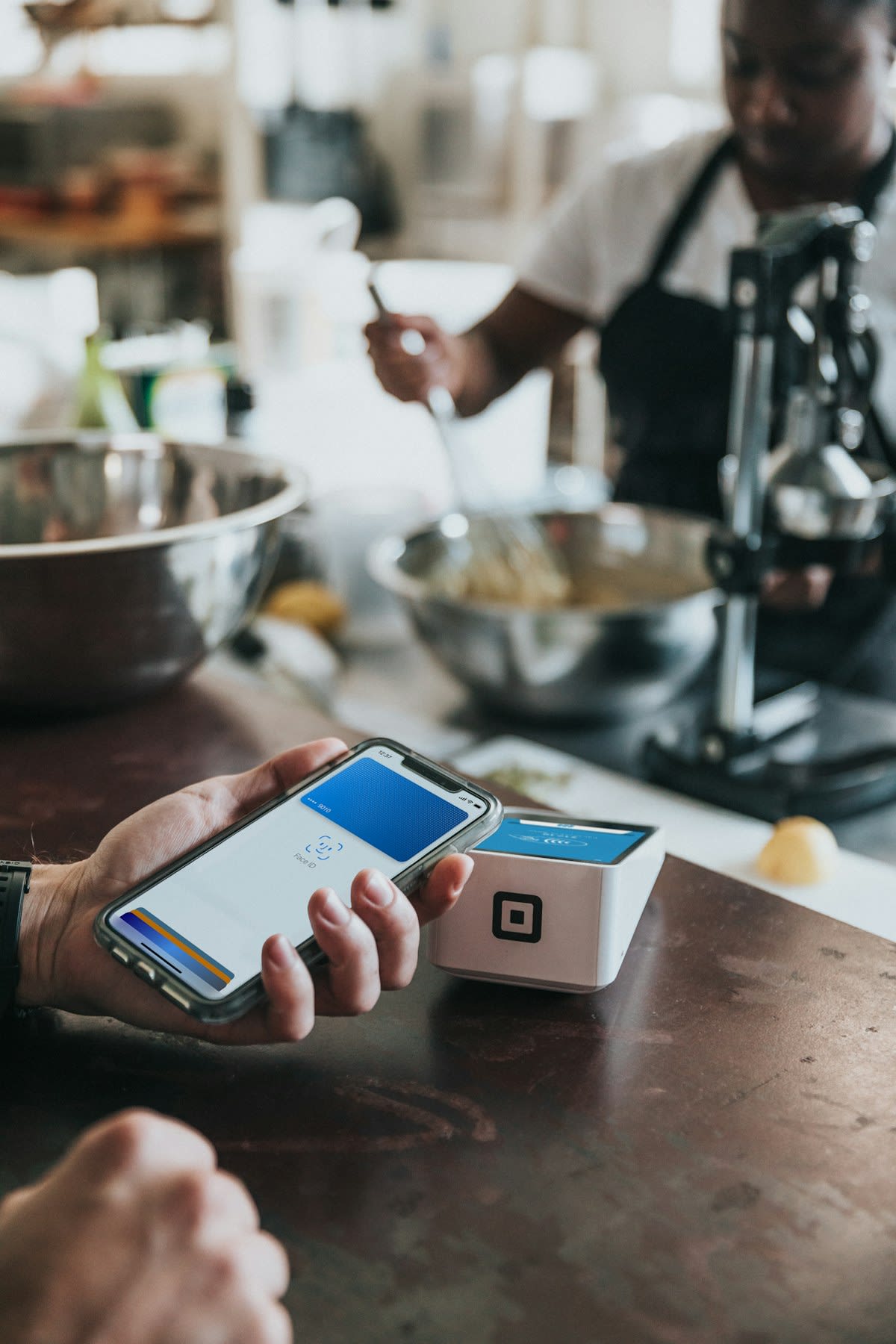
Global IME Bank internet banking login guide: register for Global Smart Plus, sign in on web or app, reset your password, see transfer limits and contacts.
Global IME Bank runs its internet banking and its mobile banking on one platform, Global Smart Plus. The same user ID and password open both the phone app and the web portal at globalonline.gibl.com.np, so a customer only registers once. This guide covers how to register, where to log in, how to reset a forgotten password, how to block the service if your phone is lost, the transfer limits and annual fee the bank publishes, and which Global IME numbers to call when something goes wrong. Every figure here is taken from Global IME Bank's own website or its official app-store listings.
What Global Smart Plus Is
Global IME Bank describes Global Smart Plus as an omni-channel service: it works on a mobile phone, on a PC through a browser, and over SMS. The bank's product page and its help articles treat the app and the web login as two doors into the same account, with a single set of credentials. The bank's own help article puts it simply: the same login works in both the web channel and the mobile app.
The app is published by Global IME Bank itself. On the Google Play Store the developer is listed as Global IME Bank Limited, and on the Apple App Store as Global IME Bank Ltd. Search for "Global Smart Plus" and check the developer name before you install, because fake banking apps do circulate.
- Android: Global Smart Plus on Google Play
- iPhone: Global Smart Plus on the App Store
Web Portal vs Mobile App: What Each Is For
Both channels reach the same accounts, but the bank sets different fund-transfer limits for each. The web portal carries the higher ceiling, which makes it the better choice for rent, tuition fees, business payments or anything above a few lakh rupees. The app is built for everyday use: QR payments at shops, wallet loads, top-ups and bill payments.
| Point | Web (globalonline.gibl.com.np) | Global Smart Plus app |
|---|---|---|
| Where it runs | Any browser on a computer, laptop or tablet | Android and iOS phones |
| Login | User ID and password | Same user ID and password; the bank also mentions fingerprint and face ID |
| Per-transaction transfer limit | NPR 1,000,000 | NPR 100,000 |
| Daily transfer limit | NPR 2,000,000 | NPR 300,000 |
| Monthly transfer limit | NPR 5,000,000 | NPR 1,000,000 |
| Best for | Large transfers and planned payments | QR payments, bills, top-ups, card management |
The limits in this table are the fund-transfer limits printed on Global IME Bank's Global Smart Plus product page. The bank can revise them, so check the product page or the limits screen inside the app before a large payment.
How to Register for Global Smart Plus
You need a Global IME Bank account and the mobile number you gave the bank when you opened it. If you do not have an account yet, the app listing says you can open one from inside the app using 3D facial authentication and start transacting within a few minutes.
For an existing account holder, the bank's own registration steps are:
- Download the app. Install Global Smart Plus from the Play Store or the App Store, using the links above.
- Self-register. Enter your mobile number and your Global IME Bank account number.
- Set your login password and transaction PIN. The login password opens the app and the web portal. The transaction PIN approves payments, so keep it different from the password.
- Start using the service. Once the account is activated, the same credentials work on the web portal too.
The bank's product page lists separate help topics for activating on a phone without the registered SIM, for dual-SIM phones and for activation OTPs that do not arrive, so keep the SIM for your registered number in the phone you are registering on and check those three topics first if activation stalls. If the number on your account is out of date, update it at a branch before you start.
How to Log In to Global IME Bank Internet Banking
Once your Global Smart Plus registration is active, logging in on the web takes two steps.
- Open a browser and go to https://globalonline.gibl.com.np/. Type the address yourself or use a bookmark; do not follow login links that arrive by SMS, email or social media.
- Enter your login details and password. The bank's guide calls these your user ID and password; the login page itself asks for your mobile number, UserTag or email, then your password. The page also carries a Register Now link for customers who do not yet have a login.
In the app, open Global Smart Plus and sign in with the same user ID and password. You do not need a separate registration for the web portal: if the app works, the web login works with the same details.
Forgot Your Password? Resetting It in the App
Global IME Bank published a step-by-step reset tutorial in July 2025. The reset runs inside the app and needs the registered SIM in the same phone, because the bank verifies you by SMS.
- Open Global Smart Plus and tap Forgot Password? on the login screen.
- Enter your registered mobile number, account number and account name. For identity verification, choose either your date of birth or your citizenship number. Tap Continue.
- Allow SMS verification and tap Proceed to Send SMS. Your phone's messaging app opens with a pre-filled message to 34455. Send it; normal SMS charges apply.
- Enter the six-digit OTP sent to your registered number and tap Continue.
- Create a new password, confirm it, and tap Continue.
- Set a four-digit transaction PIN and tap Submit. A confirmation message appears when the reset is complete.
The new password then works on the web portal as well. If you are outside Nepal, the bank says the reset verifies you with security questions instead of the SIM check. If the OTP never arrives, check that the SIM in the phone is the one registered with the bank. If you have changed numbers, you will need to update it with the bank before the reset can go through.
Lost Phone or Suspicious Activity: Blocking the Service
If your phone is lost or you think someone else has your login, you can suspend Global Smart Plus yourself through the bank's Digital Universe portal at digitaluniverse.gibl.com.np.
To block
- Open the Digital Universe portal in a browser.
- Choose the Mobile Banking Block option.
- Fill in your account number, the mobile number linked to mobile banking, your reason for blocking and your date of birth.
- Submit. According to the bank, access is suspended as soon as correct details are submitted.
To unblock
- Return to the portal and open the Mobile Banking Unblock form.
- Enter your account number, mobile number and the reason for the request.
- Upload a signed application. The bank compares the signature on it with the signature on your account.
- Submit. The request goes to your branch, which compares the signature with the one on your account and unblocks the service during banking hours.
Blocking is instant; unblocking waits for a branch check. Use the block only when you need it, but do not hesitate when a phone goes missing.
What You Can Do on Global Smart Plus
The services below are the ones Global IME Bank lists on its product page and its official app-store description.
Payments and transfers
- Fund transfer within Global IME Bank and to other banks, within the limits shown above.
- QR payments: the app scans payment QR codes across the Fonepay, NepalPay and SCT networks.
- Wallet loads to eSewa and Khalti.
- Utility and bill payments: internet, airline, electricity and water bills, EMIs and top-ups.
- Government payments: the app listing names SSF, traffic fines, EPS, the Health Insurance Board, NOC and OCR among more than 28 government payments.
- Merchant payments to merchants, schools and vendors.
Cards, loans and investing
- Card management: link debit, credit, travel and e-com cards, pay credit card bills, block or unblock cards, request a Green PIN, download credit card statements and view card limits.
- Digital loans: apply for Remit Karja or a loan against your fixed deposit from the app.
- Share market: live NEPSE data, IPO applications and portfolio tracking.
Money management and bookings
- Budget360° for tracking spending, plus goal-based saving.
- Global Junior, a companion app for children's accounts that parents can monitor.
- Cable car tickets (the listing names Chandragiri, Manakamana, Maulakalika, Lumbini and Annapurna) and international airline tickets.
Transaction Limits and Charges
Global IME Bank publishes these figures for Global Smart Plus on its product page:
| Item | App | Web |
|---|---|---|
| Per-transaction fund transfer limit | NPR 100,000 | NPR 1,000,000 |
| Per-day fund transfer limit | NPR 300,000 | NPR 2,000,000 |
| Per-month fund transfer limit | NPR 1,000,000 | NPR 5,000,000 |
| Registration / annual fee | NPR 350 per year | |
The product page does not list per-transaction charges for interbank transfers. The bank's blog says those payments run through the ConnectIPS and Fonepay gateways, so the charge depends on the route. Ask Global Connect for the current figure before a large payment.
Security Habits That Matter
- Install Global Smart Plus only from the official store listings, and confirm the developer is Global IME Bank.
- Never share your password, transaction PIN or OTP with anyone, including a caller who says they work for the bank.
- Type the web address yourself. Phishing pages copy bank login screens and arrive through SMS and social media links.
- Use separate values for your login password and your transaction PIN, and do not reuse either on other sites.
- Keep a screen lock on the phone that holds the app. If the phone is lost, block the service through Digital Universe straight away.
- Log out of the web portal on shared or office computers, and do not let the browser save your password there.
Global IME Bank Customer Care
Global IME Bank's product page and help articles list these contacts for its customer service desk, Global Connect, which the product page says is available 24/7:
- Toll free (NTC): 16600121314
- Toll free (Ncell): 18102077777
- Global Connect: +977-1-5970600
- Corporate office: +977-01-5326247 / 5328671
- Email: globalconnect@gibl.com.np
- Website: www.globalimebank.com
When you call about a failed transfer, keep the transaction reference number, the date and the amount ready. For an unblock request, the branch that holds your account handles the final check.
Other Bank Guides
If you bank with more than one institution, our internet banking in Nepal hub compares the main banks in one place. You can also read the Nabil Bank internet banking login guide, the NIC Asia internet banking guide and the NMB Bank internet banking guide.
Frequently Asked Questions
What is the Global IME Bank internet banking login address?
The web login is at globalonline.gibl.com.np. You sign in with the same user ID and password you use in the Global Smart Plus app. There is no separate internet banking registration.
How do I register for Global IME Bank mobile banking?
Download Global Smart Plus from the Play Store or App Store, self-register with your mobile number and Global IME Bank account number, then set a login password and a transaction PIN. Keep your registered SIM in the phone during registration.
How do I reset my Global Smart Plus password?
Tap Forgot Password? on the app's login screen, enter your registered mobile number, account number and account name, verify with your date of birth or citizenship number, send the pre-filled SMS to 34455, enter the OTP and set a new password and PIN.
How much can I transfer per day with Global IME Bank ebanking?
According to the bank's product page, the web channel allows up to NPR 2,000,000 per day and NPR 1,000,000 per transaction. The app allows NPR 300,000 per day and NPR 100,000 per transaction.
Does Global Smart Plus have a fee?
Yes. Global IME Bank lists a registration and annual fee of NPR 350 per year. The product page does not list interbank transfer charges; the bank's blog says those payments run through the ConnectIPS and Fonepay gateways.
Related stories

Everest Bank Internet Banking Login: netebl.com Guide
Everest Bank internet banking login guide: netebl.com and EBL Touch 24 registration, password reset, NPR 20 lakh daily limit, fees and customer care in Nepal.
Nepal Bank Internet Banking Login: NBL e-Banking Guide
Nepal Bank internet banking login guide: NBL e-Banking and BankSmart XP app registration, password reset, transfer limits, fees and customer care in Nepal.

Siddhartha Bank Internet Banking: BankSmart XP Login Guide
Siddhartha Bank internet banking runs on BankSmart XP. Learn the web login, app registration, password reset, NPR limits, charges and customer care numbers.